.gif)
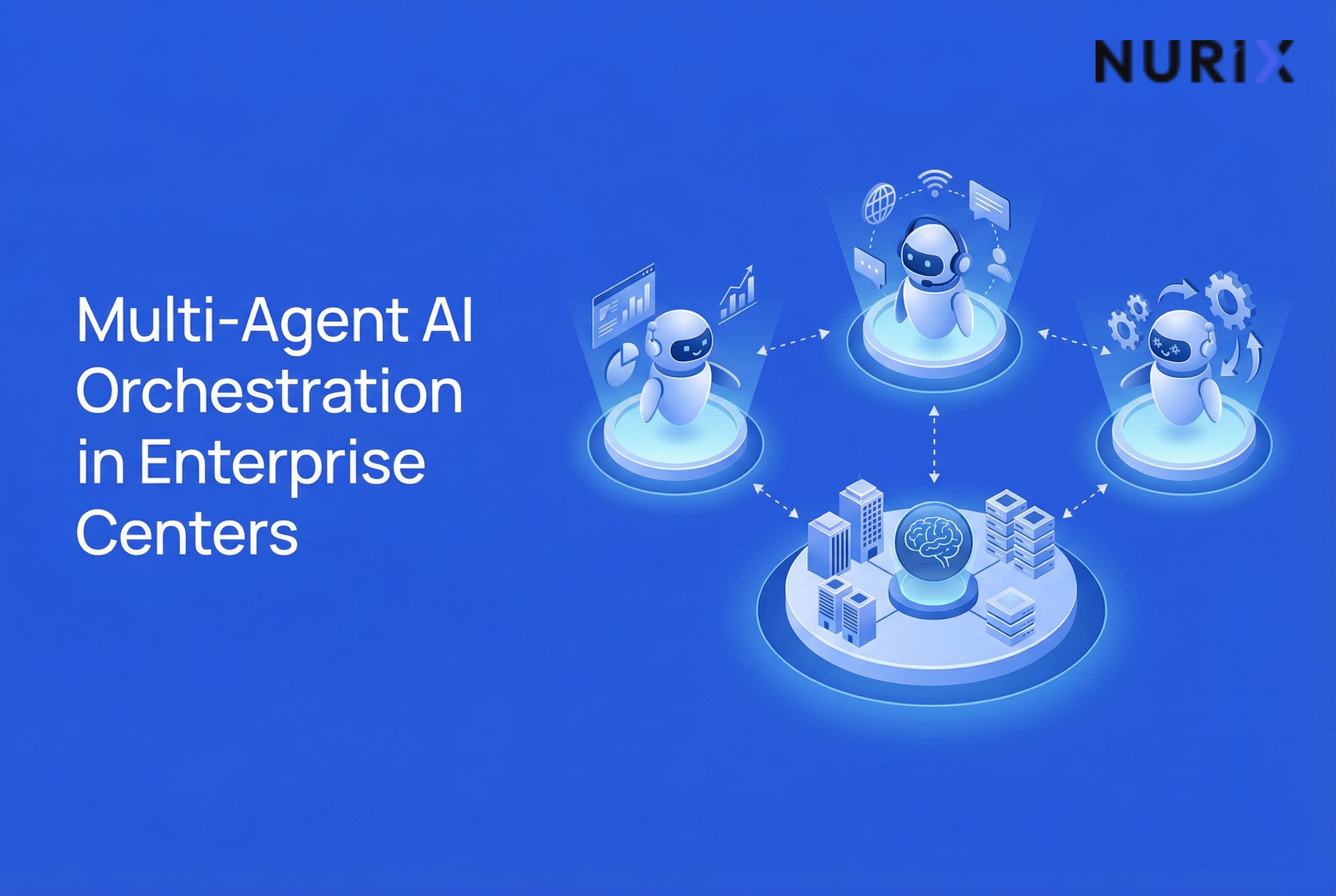

Multi-agent AI orchestration for enterprise contact centers coordinates specialized agents, system access and shared context so a customer request can move through a governed workflow. Use it when work crosses tasks, systems or decision points; retain fixed automation for deterministic rules and people for consequential exceptions.
What is multi-agent AI orchestration?
Multi-agent AI orchestration is the coordination of purpose-built agents, approved data access, tools, decisions and human handoffs to complete a business workflow. An agent is software that uses a large language model (LLM) to produce an output or decision, while a workflow is the set of tasks and decisions needed to achieve a business outcome.
The operating challenge is not simply choosing a more capable model. In its June 2026 U.S. Pulse Survey, KPMG found that the leading challenges to deploying AI agents were data readiness and access at 58%, human-oversight skills at 43%, and the complexity of agentic systems at 38%. The survey covered 204 U.S.-based C-suite and business leaders at organizations with annual revenue of $1 billion or more. KPMG, June 2026
Orchestration addresses this operating-design problem by managing the workflow around individual agents. It can assign work, restrict context and permissions by task, sequence actions, record what happened and route exceptions to people. A chatbot or individual agent may answer a question or complete a bounded task. Orchestration coordinates the larger process.
When an enterprise contact center needs orchestration, not just an agent
Use the simplest architecture that can safely complete the work. A single agent may be enough for a bounded lookup. Fixed automation is usually a better fit for a deterministic rule. Multi-agent orchestration becomes useful when one request crosses specialist tasks, enterprise systems, permissions or decision points.
Use this test before adding more agents to a contact-center workflow.
This selection discipline matters because agentic systems can introduce cost, integration and risk-control problems when applied to work that does not require them. Gartner predicted in June 2025 that more than 40% of agentic artificial intelligence projects would be cancelled by the end of 2027 because of escalating costs, unclear business value or inadequate risk controls. That is a forecast, not evidence that multi-agent systems inherently fail. It is a reason to choose a defined workflow with a clear business case. Gartner, June 25, 2025
How multi-agent orchestration works in a contact center
A governed design separates orchestration from execution, context, monitoring and improvement. Each responsibility should have a clear owner, permission boundary and record of what occurred.
The following model shows how those responsibilities map to NuPlay AI.
NuPlay AI runs enterprise workflows in production and improves them after every run through NuLoop, with agents, the systems they operate, and the context they draw on under one platform. NuPlay platform
The model layer sits beneath the execution layer. Astra LLM and Astra SLM are models that NuPro agents run on, not additional platform components alongside NuPro, NuStack, NuContext and NuPulse. The Astra page describes Astra LLM and Astra SLM as self-hosted enterprise models, with Astra SLM supporting voice and chat use cases. The architecture remains workflow-led rather than voice-led: the channel is one part of execution, not the definition of the platform.
Worked example: resolving a delayed-delivery request
The following is a hypothetical example of how orchestration could handle a delivery issue.
A customer reports that an order is marked “delivered” but has not arrived. The intake agent captures the order identifier and describes the issue. The orchestration layer then requests only the information required from the customer-profile and order-status tasks.
A policy task checks the applicable delivery and refund rules. An action task prepares an eligible resolution in the CRM. The workflow should not grant every agent unrestricted access to every system. Each task receives the data and permission needed for its part of the process.
If identity verification fails, delivery evidence conflicts or the proposed action exceeds the approved policy boundary, the workflow creates a human-review case instead of executing the action. The receiving person should not have to reconstruct the interaction from separate logs.
A useful handoff record contains:
- The customer request and order identifier
- The data sources queried
- The policy version used
- The proposed action
- The reason for approval or escalation
- The final customer communication
- The outcome status
Success checks should be operational and testable:
- No duplicate CRM action occurs.
- Every system action has a trace.
- The customer receives a clear next step.
- Exception cases reach the assigned human queue with context intact.
Likely failure cases include stale policy data, unavailable order-system data, conflicting customer identifiers, circular handoffs or an action attempted without permission. In each case, the workflow should stop the affected action, preserve the trace, notify the workflow owner and escalate rather than guess.
Governance and improvement after launch
Governance needs to cover the full workflow, not just the model response. The National Institute of Standards and Technology (NIST) Generative AI Profile identifies governance, content provenance, pre-deployment testing and incident disclosure as four primary considerations for managing generative artificial intelligence risk.
A practical rollout method is:
- Choose one repeatable workflow. Assign a named business owner and define the exception path before enabling system actions.
- Map the workflow. Document every task, decision, system permission, escalation trigger and evidence requirement.
- Set baselines. Measure completion, escalations, rework, error categories and relevant customer outcomes before changing the operating model.
- Run a shadow or reviewed-production period. Continue long enough to include normal variation and expected exceptions. The duration and sample size should be specific to the workflow, not treated as universal requirements.
- Review traces regularly. Include operations, technical, risk and quality stakeholders in the review process.
- Control changes. Test proposed workflow changes against representative past cases and define who can promote a change into production.
Monitoring and improvement serve different purposes. NuPulse reports what is happening across agents and workflows. The improvement layer uses production evidence to identify where the workflow needs a governed change. These functions should not be merged into a single dashboard or treated as a substitute for operational review.
Human review remains a central design choice. KPMG found that 52% of surveyed leaders selected a human-in-the-loop model as their top AI-agent risk-mitigation approach for the following six to 12 months. In the survey, this meant that a person validates outputs without overseeing every agentic action or decision. KPMG, June 2026
For a contact center, the practical implication is to place human review at consequential decision points, such as disputed eligibility, policy conflicts, sensitive disclosures or actions outside an approved boundary. Routine steps can remain automated or agent-led when their permissions, evidence requirements and exception paths are explicit.