.gif)
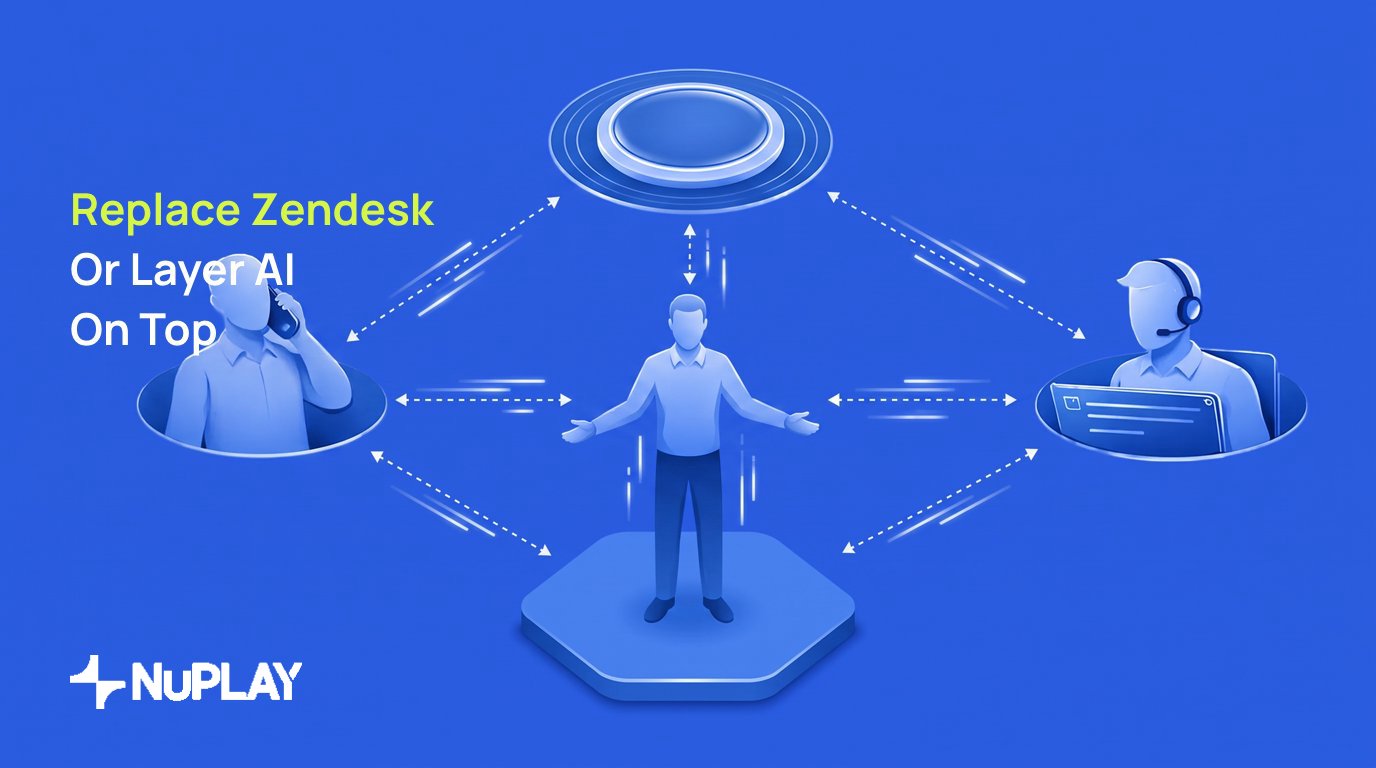

Replacing Zendesk means moving the system of record to an AI-first platform. Layering an agent keeps Zendesk as the database of record while the agent runs the workflow in front of it. Replacement buys a clean architecture; layering preserves existing ticketing and migrates nothing. The right answer depends on how much real work the agent must execute.
Support teams evaluating this decision face eight credible platforms, and they do not compete on the same axis. Some extend a legacy helpdesk, some sit on top of it, and some replace it outright. According to Gartner, 40% of enterprise applications will feature task-specific AI agents by the end of 2026. The architecture chosen now determines what can be automated later.
What is Replacing Zendesk vs Layering AI?
Replacing Zendesk means retiring the core ticketing system and moving the support operation to an AI-first platform. This takes real migration effort and delivers a clean slate.
Layering an AI agent means keeping Zendesk as the database of record while the agent acts as the orchestration layer in front of it. The agent executes tasks, updates systems, and manages the workflow. When it cannot resolve an issue, it creates a ticket for a human.
The architectural difference shows up over time. Legacy extensions rely on manual updates when business rules change. Layered platforms with feedback loops diagnose failures and propose fixes, so the system adapts to the business rather than degrading as the data changes.
How Zendesk AI Agents Differ From an AI-Native Agent
Zendesk AI Agents reason across channels and resolve multi-intent requests inside the Zendesk ecosystem. They are strong at deflection and at assisting human agents on tickets that already exist.
An AI-native agent starts from a different premise. The agent is the primary execution layer, and the ticket is a fallback rather than the unit of work. That distinction determines whether the system can complete a refund, update an order in an enterprise resource planning system, or verify a document, as opposed to answering a question about one.
Here is how the two architectures compare on the dimensions that matter in procurement.
Platform Categories
The market groups into three architectures, and the entries below are organized by category rather than ranked in order of preference.
Legacy helpdesk extensions add AI to existing ticketing systems. They suit teams already committed to an ecosystem that want an upgrade path without migrating data.
AI-native layers sit on top of a current helpdesk, orchestrate the workflow, handle customer interactions directly, and pass only complex exceptions to human agents.
Full platform replacements retire the legacy helpdesk and build the workflow around the agent's reasoning from day one.
Research and Evidence
Zendesk has expanded AI agent capabilities to all customers, a move that keeps existing users inside its ecosystem rather than shopping for a layer.
AI-native platforms continue to attract enterprise capital. Sierra reached a USD 15.8B post-money valuation after a Series E round led by Tiger Global and GV, according to CNBC, which reflects demand for outcome-based pricing.
Standalone agents now compete with legacy suites directly. Intercom publishes a vendor comparison claiming Fin outperforms Zendesk on answer quality; that figure is the vendor's own and should be treated as a marketing claim rather than an independent benchmark.
The 8 Platforms for Enterprise Support
Pricing below reflects publicly posted rates as of September 2026 and changes frequently. Verify current pricing with each vendor before building a business case.
1. Zendesk: Best for mid-market ecosystem retention
Zendesk provides AI Agents that reason through multi-intent customer requests across channels, using hybrid flows and pre-trained models. It is a natural fit for teams already committed to the ecosystem.
Key Features: AI agents with reasoning, Copilot for agent assistance, built-in QA analytics.
Pricing: Suite Team from USD 55 per agent per month, with AI add-ons carrying per-resolution fees.
Best For: Retail and software support teams managing high-volume inquiries.
Pros:
- Deep native integration with the Zendesk Suite.
- Pre-trained on large volumes of real support interactions.
- Flexible add-on pricing for advanced features.
Cons:
- Advanced autonomous capabilities require paid add-ons.
- Reviews report setup complexity and limited customization.
2. Intercom: Best for standalone AI agent integration
Intercom's Fin is an AI-native agent built for customer service, priced on outcomes rather than seats alone.
Key Features: Fin AI Agent, shared inbox, workflow automation builder, Copilot for agents.
Pricing: Essential from USD 29 per seat per month plus a per-outcome fee.
Best For: Teams wanting a standalone agent that works with an existing helpdesk.
Pros:
- Outcome pricing means payment on successful resolution.
- Works alongside an existing helpdesk without replacing it.
- Strong answer quality on complex queries.
Cons:
- Usage-based pricing rises quickly at high volume.
- Seat prices scale substantially on higher tiers.
3. Decagon: Best for omnichannel enterprise support
Decagon builds and scales enterprise AI agents with deep workflow customization and closed feedback loops.
Key Features: Agent operating procedures in natural language, omnichannel support, testing tools.
Pricing: Quote-only enterprise pricing, typically per conversation at volume.
Best For: Retail, financial services, and travel teams needing high-resolution agents.
Pros:
- Rapid iteration without long engineering sprints.
- Unified intelligence layer across channels.
- Designed for high deflection in production.
Cons:
- Quote-only pricing makes early cost evaluation hard.
- Requires more setup than a native helpdesk add-on.
4. Sierra: Best for outcome-based enterprise resolution
Sierra builds customer-facing agents across voice and chat, sitting above existing helpdesks to take deeper action.
Key Features: Agent Studio, agent data platform, observability tooling.
Pricing: Outcome-based, with third-party estimates indicating a six-figure annual base plus setup.
Best For: Large enterprises needing agents that integrate with legacy systems.
Pros:
- Pricing tied directly to results.
- Enterprise-grade scale and adoption.
- Strong observability for continuous improvement.
Cons:
- High minimum commitment.
- Still requires a separate helpdesk for human workflows.
5. Parloa: Best for regulated voice dialogs
Parloa is an enterprise conversational platform for autonomous voice and chat agents. It can replace a traditional helpdesk or layer on top of one.
Key Features: Agentic dialog platform, omnichannel voice, built-in guardrails.
Pricing: Enterprise custom pricing on a usage-based per-minute model.
Best For: Regulated industries automating high-volume transactional calls.
Pros:
- Full-stack dialog-native architecture.
- Enterprise compliance certifications.
- Rapid time to production.
Cons:
- Limited public pricing detail.
- Positioned primarily for large contact centres.
6. Aisera: Best for IT and HR service automation
Aisera deploys autonomous agents across enterprise IT, HR, and customer service workflows, as a replacement or an intelligent layer.
Key Features: Autonomous agents, generative AI for complex requests, legacy integration.
Pricing: Enterprise custom pricing.
Best For: Large enterprises replacing or augmenting traditional ticketing.
Pros:
- Strong focus on autonomous resolution.
- Deep integration options with legacy platforms.
- Covers internal IT and HR alongside customer service.
Cons:
- Quote-based pricing only.
- Complex environments need significant configuration.
7. NuPlay AI: Best for governed enterprise workflows
NuPlay runs enterprise workflows in production and improves them after every run through NuLoop, with agents, the systems they operate, and the context they draw on under one platform. That contrasts with static deployments that degrade as the business changes.
Key Features: Self-improving agents for enterprise-scale workflows, built on the proprietary Astra model, with task-specific agents, crews, a campaign manager, the Ask AI feature on application, and advanced voice capabilities such as speech-to-text (STT) reclarification and tool backchannelling.
Pricing: Enterprise pricing, quote-based.
Best For: Retail, insurance, and financial services with high-volume repeatable workflows.
The differentiator is NuLoop, the closed feedback loop. Improvement runs as diagnosis, coverage, and governed change through Report, Diagnose, Propose, Try, Ship. Every task or decision runs in one of three modes, Human, Automated, or Agent, and the aim is moving the right work into agent mode rather than replacing people. In production with Myntra, agent-led support cut average handle time by 50% and scaled support three times over without added headcount.
Pros:
- Built-in self-improvement counters agentic drift.
- Approve-to-promote sign-off before any change ships.
- One platform across execution, context, and monitoring.
Cons:
- Enterprise-focused with no self-serve option.
- Requires integration with existing systems for full value.
8. SymphonyAI: Best for industry-specific orchestration
SymphonyAI layers intelligent agents on top of existing systems and also offers replacements for legacy workflows.
Key Features: Industry-specific applications, agentic workflow orchestration, compliance controls.
Pricing: Enterprise custom pricing.
Best For: Retail, consumer goods, and financial services modernizing customer service.
Pros:
- Strong vertical focus.
- Layers onto legacy platforms readily.
- Improves back-office process efficiency.
Cons:
- Enterprise-only positioning.
- Custom implementation extends timelines.
Comparison Table
Here is a side-by-side view of how the eight platforms differ on architecture and entry pricing.
How to Choose
The right platform depends on operational maturity. Deflecting basic questions is a job a legacy extension can do. Executing real business tasks is not.
Look closely at governance. Can the system improve itself safely? An approve-to-promote model, where a human signs off before any change ships, keeps control of both data and customer experience with the buyer.
Consider the pricing model. Seat-based pricing suits human agents. Outcome-based pricing aligns cost with AI success. Either way, count the engineering hours needed to keep the system current, because that is where total cost of ownership hides.
Getting Started
Audit current workflows first and identify the high-volume, repeatable tasks that drain the team. Automating everything at once is not the goal.
Define execution modes clearly. Decide which tasks need a human, which can run on fixed rules, and which need an agent to reason through the problem. That clarity prevents expensive deployment mistakes.
Pilot with strict oversight. Use a closed feedback loop to report failures, diagnose issues, and propose fixes, and ship those fixes only after a human approves them.
Conclusion
The decision is not really Zendesk versus an AI agent. It is whether the support operation needs to answer questions or execute work, because that determines which architecture holds up. Legacy systems offer comfort; AI-native platforms offer scale. NuPlay AI works alongside existing systems to run enterprise workflows in production and improve them after every run. To see how a governed, self-improving platform handles high-volume support workflows, book a demo with the NuPlay AI team.