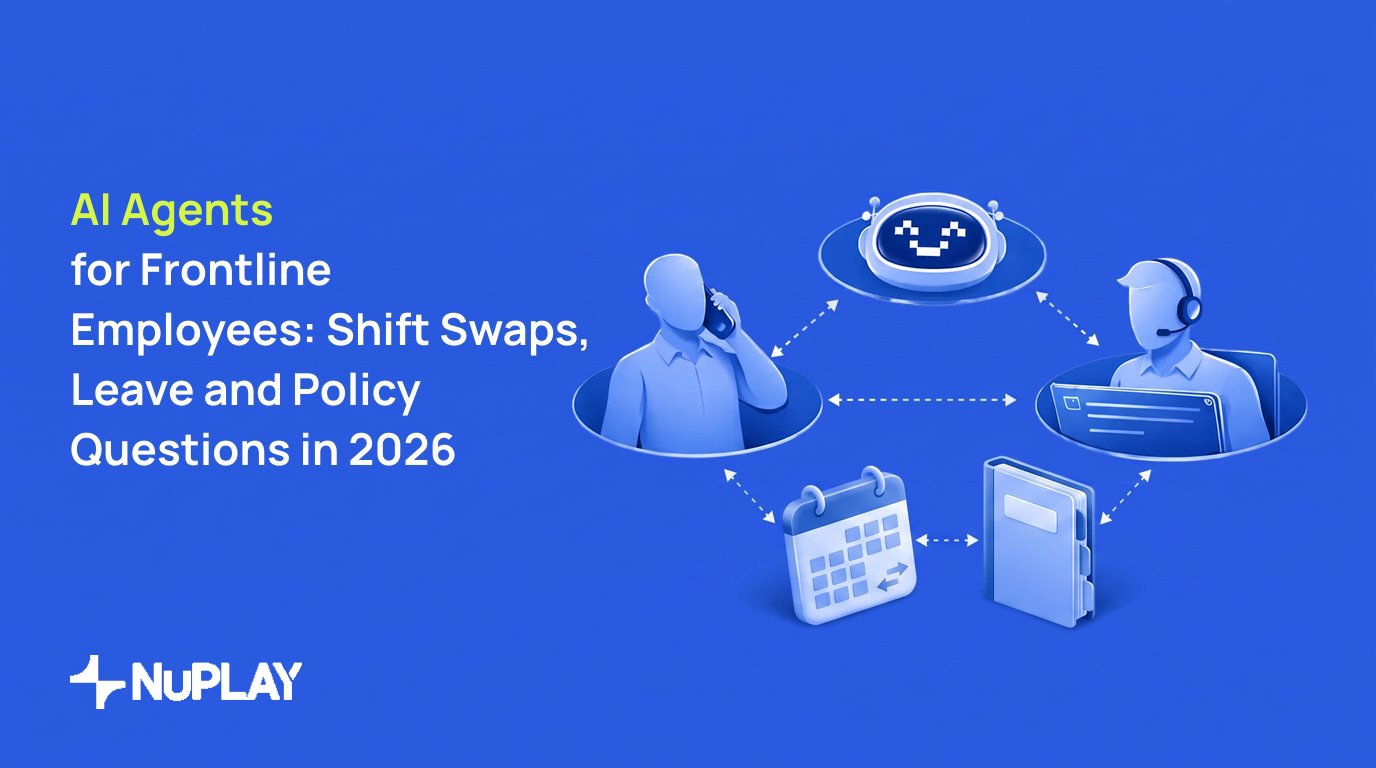

Artificial intelligence (AI) agents for frontline employees can answer policy questions, coordinate eligible shift swaps, and capture leave requests. The key distinction is not the channel. It is whether the agent is informing an employee, applying a fixed rule, or handling a decision that requires manager or human resources (HR) approval.
Frontline employees often need schedule flexibility but may find it difficult to get. A 2025 global study of 8,200 frontline employees in 10 countries, commissioned by UKG and Workplace Intelligence and conducted by Walr, found that 50% said changing shifts for personal reasons was difficult, while 57% said they could not take as much time off as they wanted. In the same study, 76% said they would trust AI to find shift coverage and review or approve time-off and shift-swap requests in real time. These figures describe employee sentiment, not a mandate to automate every approval. The 2025 frontline workforce study also reports that employees have concerns about job replacement and how employers use AI.
What are AI agents for frontline employees?
AI agents for frontline employees are software systems that can understand an employee request, retrieve relevant context, take a permitted workflow action, and escalate exceptions to a person. Unlike a static frequently asked questions bot, an agent can connect an answer to a business process, such as submitting a leave request or checking a proposed shift swap.
A store associate, warehouse worker, delivery team member, or field technician may not routinely use corporate email or an employee portal during a shift. An enterprise design can make support available through voice, chat, WhatsApp, and email instead of requiring another app. See these employee-support workflows for frontline and deskless teams for an example of this channel model.
The same frontline workforce study found that, among frontline employees excited about AI’s potential, 81% would trust AI to search the company handbook and summarize policies, while 80% would trust it to recommend schedules that match their availability and preferences. Those findings support a practical starting point: use an agent to make information and routine requests easier to access, while keeping authority boundaries clear.
Start with requests that have a clear authority boundary
The safest launch point is to separate information retrieval, rule-based transactions, and consequential employment decisions. The table below gives a request-to-resolution model.
Use three operating modes when designing each workflow:
- Human: A person makes the decision or handles a situation requiring judgment, authority, or sensitive information.
- Automated: Fixed rules perform a predictable task, such as checking whether a shift swap meets configured staffing requirements.
- Agent: Software reasons within a constrained task, such as finding eligible coverage or explaining a policy in plain language.
The objective is not to replace managers or HR teams. It is to move the right tasks into agent mode while retaining human authority over exceptions and employment decisions.
The National Institute of Standards and Technology (NIST) Artificial Intelligence Risk Management Framework (AI RMF) Playbook recommends documenting the intended purpose, users, limitations, applicable laws, potential impacts, and human-oversight responsibilities before deployment. Its MAP guidance is a useful planning reference for defining the boundaries of an employee-support workflow.
How a shift-swap agent should work: a hypothetical retail example
The following is a hypothetical example for a retail store. It shows how an agent can coordinate a routine request without promising an outcome before the scheduling system confirms it.
- A verified store associate sends a WhatsApp message: “Can anyone take my Saturday 10 a.m. to 6 p.m. shift?”
- The agent confirms the employee’s identity, retrieves the scheduled shift, and checks whether swaps are permitted for that store and role.
- It identifies eligible employees only after applying configured job-role, location, certification, scheduled-hours, overtime, rest-period, and staffing-minimum requirements.
- A qualified coworker accepts the offered shift.
- The workflow reruns its checks against the proposed schedule. If the fixed requirements pass and the employer has authorized automatic updates for this request type, it writes the change to the scheduling system and confirms the result to both employees and the manager.
- If a rule fails or requires judgment, the agent creates a manager-review request containing the proposed change, failed check, relevant schedule context, and conversation history.
The agent should never invent an exception or promise approval before the system of record confirms the outcome. Every employee should receive one final status:
- Approved
- Awaiting review
- Declined with reason
- Unable to complete
That status should come from the workflow result, not from the agent’s interpretation of an incomplete conversation.
WhatsApp and phone are channels, not substitutes for controls
A familiar channel does not remove the need for authentication, consent, access controls, records, and escalation. WhatsApp and phone also create different operational requirements.
Under the WhatsApp Business Messaging Policy, a business may contact a person only after receiving the person’s mobile phone number or username and opt-in permission for subsequent messages or calls. The business must honor requests to block, discontinue, or opt out of communications. For the WhatsApp Business Platform, a business may initiate a conversation only with an approved Message Template. A reply within the 24-hour customer-service window does not require a template, but automation must still provide a prompt, clear, and direct escalation path.
For United States voice workflows, do not assume that an employment relationship resolves consent requirements. In February 2024, the Federal Communications Commission confirmed that the Telephone Consumer Protection Act (TCPA) restrictions on artificial or prerecorded voices include AI-generated human voices. Calls using those voices require prior express consent under the ruling. Legal counsel should assess the calling program, jurisdictions, exemptions, and disclosure requirements. See the Federal Communications Commission ruling.
Before launching a WhatsApp or phone workflow, specify these controls:
- Authenticate before disclosure. Verify the employee before exposing schedule, pay, leave, or benefit information.
- Minimize retrieval. Limit access to the data required for the request.
- Identify automation. Tell employees when they are interacting with an automated system.
- Offer a human route. Provide a clear escalation path on every channel.
- Keep an audit record. Record the request, inputs, system action, approver, and final outcome.
- Separate sensitive cases. Keep medical, accommodation, and protected-leave details out of a general conversational workflow.
- Define channel limits. Privacy, records-retention, labor, collective-bargaining, and state-law requirements determine which employee information can be handled through WhatsApp or phone.
A channel should be selected after the workflow and data controls are defined, not before.
Treat leave and policy questions differently from ordinary FAQs
A policy explanation is not a legal determination. An agent can retrieve the relevant policy, explain how to begin a request, collect ordinary dates, and route a case. It should not determine protected-leave eligibility or request unnecessary medical information.
For United States employees, the Family and Medical Leave Act (FMLA) provides eligible employees of covered employers up to 12 workweeks of unpaid, job-protected leave for qualifying family and medical reasons. An eligible employee who is the spouse, son, daughter, parent, or next of kin of a covered servicemember with a serious injury or illness may take up to 26 workweeks of military caregiver leave during a single 12-month period. Eligibility requirements and state protections vary, so a qualifying question should enter the employer’s established leave process rather than receive an automated final determination. The U.S. Department of Labor FMLA guidance describes the covered employers, eligibility conditions, and qualifying reasons.
The Equal Employment Opportunity Commission (EEOC) warns that software and artificial intelligence used in employment decisions can create disability-discrimination risks. These include prohibited disability-related inquiries, screening out workers with disabilities, and failing to provide a reasonable-accommodation process. The EEOC guidance supports a conservative design:
- Let the agent explain the employer’s process.
- Collect only ordinary information needed to start the request.
- Route medical, accommodation, and protected-leave matters to the authorized HR process.
- Give the employee a human contact and a way to correct the record.
- Keep the automated system from making a final legal or eligibility determination.
The same principle applies to policy questions. The agent can summarize an approved policy and identify the source section, but an employee challenge, policy conflict, or request for an exception should go to an authorized person.
Pilot, measure, and refine the workflow
Start with a contained pilot: one request type, one employee population, and one region or business unit. One practical recommendation is a four- to six-week pilot in which HR and operations review roughly 30 to 50 completed and escalated cases each week. These are planning recommendations, not universal requirements.
Before the pilot begins, document:
- The exact request the agent is allowed to handle
- The systems that supply authoritative data
- The fixed rules the workflow must test
- The actions the agent may take
- The cases that require manager or HR approval
- The employee notification and opt-out process
- The audit fields and retention period
- The person responsible for reviewing exceptions
Measure the workflow by request type, not only as one overall number:
- Request completion rate
- Correct routing and escalation rate
- Time from request to final status
- Requests employees abandon
- Employee corrections or reopened cases
- Manager and HR rework
- Opt-outs, complaints, and accessibility issues
A study by Erik Brynjolfsson, Danielle Li, and Lindsey Raymond examined 5,172 customer-support agents using a generative artificial intelligence assistant. It found a 15% average increase in issues resolved per hour, with substantial variation across workers. The research examined customer support rather than frontline HR workflows, so it should support controlled measurement, not a forecast of employee-service outcomes. The Stanford Digital Economy Lab study also illustrates why results should be examined across different worker groups and request types.
A pilot is ready for expansion only when the organization can explain which requests the agent completes, which it routes, what data it used, who can approve an exception, and how an employee can challenge or correct the result.
To discuss a controlled employee-support workflow for frontline and deskless teams, talk to the team about an employee-support workflow.
How NuPlay AI fits frontline employee support
NuPlay runs enterprise workflows in production and improves them after every run through NuLoop. The agents, the systems they work in, and the context they draw on all sit on one platform. For frontline teams, that means a store associate can ask a policy question, request a shift swap, or start a leave request over voice, chat, WhatsApp, or email, without logging into another portal.
NuPlay applies the operating model from this guide to employee support:
- Clear authority boundaries. Each workflow is set up to inform, apply a fixed rule, or route to a manager or HR, based on the employer’s own approval rules.
- Live system checks. The agent checks shift swaps and leave requests against the scheduling system and HRIS (HR information system) before it confirms anything. Employees get a final status from the system of record, not a guess.
- Context-rich handoffs. When a request needs a person, the manager or HR reviewer gets the conversation, the failed check, and the relevant schedule or leave details, so the employee doesn’t have to explain again.
- Governed improvement. NuLoop follows a set sequence: Report, Diagnose, Propose, Try, Ship. Changes are tested against past and simulated runs, and by default a person has to approve them before they go live. Workflows get better over time, but no one’s employment rules change without sign-off.
- Multilingual support. Associates can make requests in multiple languages, which matters for store and warehouse teams.
- Integrations. Works with your scheduling / HRIS systems.
NuPlay doesn’t replace the employer’s policies, approval thresholds, or HR judgment. It makes routine requests faster to resolve and makes sure the requests that need a person reach the right one.